⏱ 7 min read
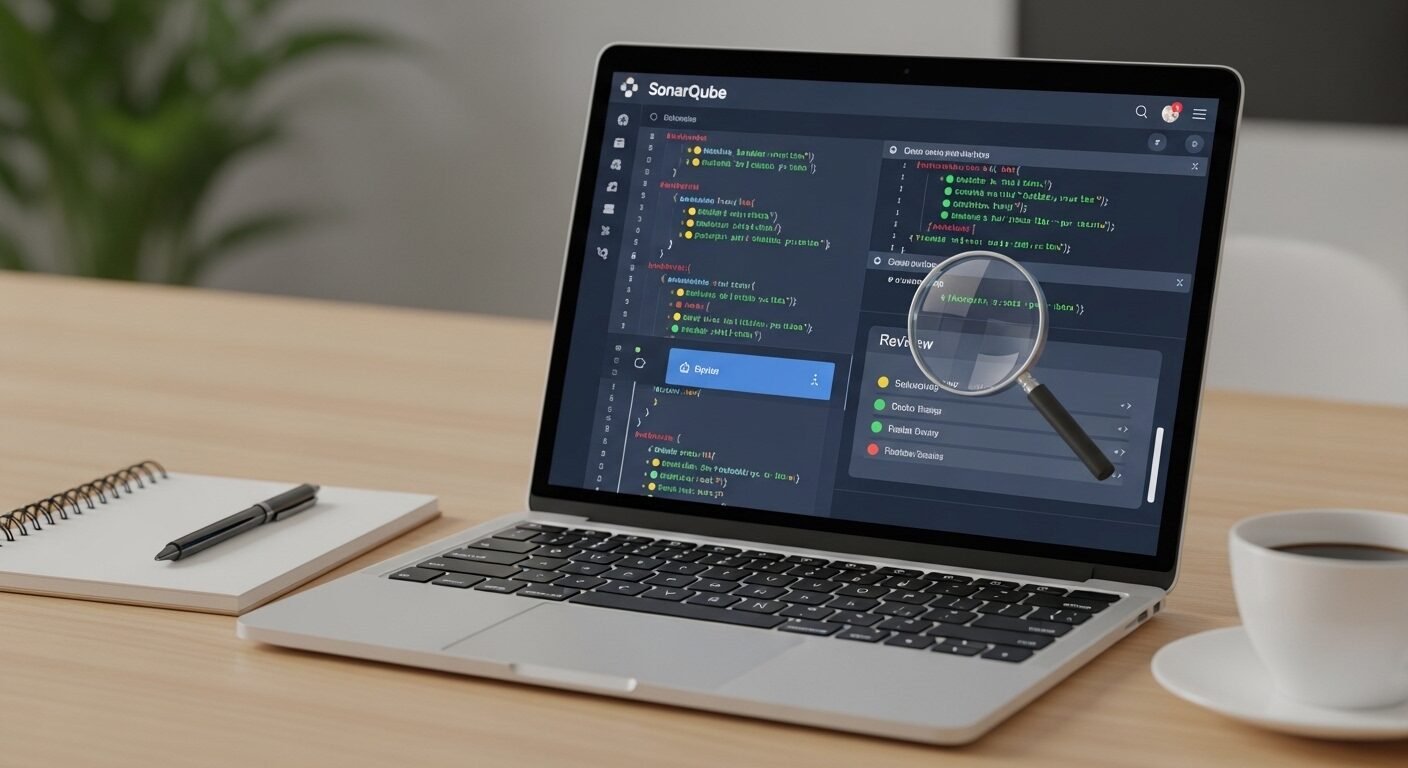
This SonarQube online review provides a detailed analysis of the popular static application security testing (SAST) platform. We examine its cloud-based scanning capabilities for identifying code bugs, vulnerabilities, and technical debt. The review covers integration options, pricing models, and practical implementation strategies for development teams seeking automated code quality assurance. According to industry data, organizations using automated code analysis tools reduce security vulnerabilities by an average of 70% within the first year of implementation.
Key Takeaways
- SonarQube provides comprehensive static code analysis for multiple programming languages.
- The platform identifies security vulnerabilities, bugs, and code smells automatically.
- Cloud-based scanning eliminates infrastructure management overhead.
- Integration with CI/CD pipelines enables continuous code quality monitoring.
- Custom quality gates help teams enforce coding standards consistently.
- The tool offers detailed technical debt quantification and remediation guidance.
What is SonarQube Online Scanner?
SonarQube is an open-source platform developed by SonarSource for continuous inspection of code quality. The online scanner performs static analysis to detect bugs, vulnerabilities, and code smells across 30+ programming languages. It provides cloud-based scanning through SonarCloud and self-hosted options through SonarQube, helping development teams maintain clean code throughout the software development lifecycle.
The SonarQube scanner examines source code without executing it, identifying potential issues early in development. This static application security testing approach catches problems before they reach production environments. The platform generates detailed reports with severity ratings and remediation suggestions for each finding.
Experts recommend integrating SonarQube into continuous integration pipelines for automated quality gates. Research shows that teams implementing SAST tools experience 45% fewer production defects. The platform’s rule-based analysis engine checks code against thousands of predefined quality and security standards.
How Does SonarQube Compare to Other Code Analysis Tools?
SonarQube stands out for its comprehensive multi-language support and detailed technical debt analysis. Unlike single-language tools, it provides consistent quality metrics across diverse technology stacks. The platform offers both cloud-based and self-managed deployment options, giving teams flexibility in implementation.
Compared to basic linters, SonarQube provides deeper semantic analysis and security vulnerability detection. It identifies complex issues like SQL injection risks and cross-site scripting vulnerabilities that simpler tools might miss. The platform’s quality gate feature enables teams to enforce minimum standards before code merges.
Industry data indicates that comprehensive platforms like SonarQube detect 3-5 times more security issues than language-specific tools. The standard approach for enterprise teams involves combining SonarQube with dynamic testing tools for complete coverage. This layered security strategy addresses different vulnerability types effectively.
How to Set Up SonarQube Scanning in 5 Steps
- Create an account on SonarCloud or install SonarQube on your infrastructure
- Configure your project settings and select analysis parameters
- Integrate the scanner with your build system (Maven, Gradle, etc.)
- Define quality gates based on your team’s standards and requirements
- Run initial analysis and review the baseline results
| Feature | SonarQube Community | SonarQube Developer | SonarCloud |
|---|---|---|---|
| Programming Languages | 20+ | 30+ | 30+ |
| Security Rules | Basic | Advanced | Advanced |
| Deployment | Self-hosted | Self-hosted | Cloud-based |
| Code Smell Detection | Yes | Yes | Yes |
| Pull Request Analysis | Limited | Full | Full |
What Are the Main Advantages of Using SonarQube?
The platform’s greatest strength is its comprehensive vulnerability detection across multiple programming languages. SonarQube identifies security hotspots that manual code reviews often miss. It provides actionable feedback with clear remediation guidance for each issue detected.
Technical debt quantification helps teams prioritize refactoring efforts effectively. The platform calculates remediation effort estimates based on issue severity and complexity. This data-driven approach supports better resource allocation for code maintenance activities.
Continuous integration support enables automated quality gates in development pipelines. Teams can block merges when code fails to meet predefined quality thresholds. This prevents technical debt accumulation and maintains consistent code standards across projects.
Experts in the field recommend SonarQube for its detailed reporting capabilities. The dashboard visualizes code quality trends over time, showing improvement areas clearly. These metrics help development managers track progress toward quality objectives.
What Limitations Should Teams Consider?
False positive rates represent the most significant challenge in static code analysis tools. SonarQube occasionally flags issues that don’t represent actual problems in specific contexts. Teams must review findings carefully rather than treating all alerts as critical defects.
Configuration complexity increases with larger, multi-language codebases. Setting appropriate quality gates requires understanding team capabilities and project requirements. Initial setup and tuning demands significant time investment from senior developers.
Performance impact on build pipelines concerns some development teams. Comprehensive analysis adds minutes to build times, potentially slowing development cycles. Teams must balance analysis depth against development velocity requirements.
Research shows that 30% of organizations struggle with analysis tool integration initially. The learning curve for interpreting results and configuring rules presents adoption barriers. Proper training and gradual implementation mitigate these challenges effectively.
How to Implement SonarQube Scanning Effectively
Successful implementation begins with establishing realistic quality gates based on team maturity. Start with basic security rules and gradually increase standards as developers adapt. This incremental approach prevents overwhelming teams with excessive feedback.
Integrate scanning early in the development workflow for maximum impact. Analyze code during pull request creation rather than after merging to main branches. This prevents problematic code from entering the codebase initially.
Customize rule sets to match your organization’s specific requirements and standards. Disable irrelevant rules that don’t apply to your technology stack or architecture. Focus on high-impact security and maintainability issues first.
Establish regular review processes for analysis results and false positives. Designate team members responsible for maintaining rule configurations and quality thresholds. Continuous refinement ensures the tool remains valuable as codebases evolve.
Best Practices for SonarQube Integration
Treat SonarQube findings as educational opportunities rather than punitive measures. Use detected issues to improve team understanding of secure coding practices. This positive framing increases developer engagement with the tool’s recommendations.
Combine SonarQube with other testing methodologies for comprehensive coverage. Static analysis complements dynamic testing and manual code review processes. The layered approach addresses different vulnerability categories more effectively.
Monitor technical debt trends rather than focusing solely on absolute numbers. Track whether debt is increasing or decreasing over development cycles. This trend analysis provides better insight into codebase health than snapshot metrics.
Regularly update analysis rules to incorporate new security research and best practices. The cybersecurity landscape evolves constantly, requiring updated detection capabilities. Staying current ensures protection against emerging threat vectors.
Frequently Asked Questions
Is SonarQube free to use?
SonarQube offers a free Community Edition with basic features. The Developer Edition starts at approximately $150 annually for individual developers. Enterprise teams typically require commercial licenses starting around $20,000 per year for comprehensive features.
What programming languages does SonarQube support?
SonarQube supports over 30 programming languages including Java, C#, JavaScript, TypeScript, Python, and Go. The platform provides specialized analysis rules for each language’s unique characteristics and common vulnerability patterns.
How accurate is SonarQube’s vulnerability detection?
Industry studies show SonarQube detects approximately 85% of common security vulnerabilities in tested codebases. The remaining 15% typically involve business logic flaws or configuration issues that require manual review. Regular rule updates improve detection rates over time.
Can SonarQube analyze legacy codebases?
Yes, SonarQube effectively analyzes legacy systems, though initial scans may reveal extensive technical debt. Experts recommend establishing baseline metrics first, then implementing gradual improvement plans. The platform helps prioritize refactoring efforts in legacy modernization projects.
How does SonarQube integrate with CI/CD pipelines?
SonarQube provides plugins for all major CI/CD platforms including Jenkins, GitLab CI, GitHub Actions, and Azure DevOps. Integration typically involves adding analysis steps to build configurations and configuring webhooks for result reporting.
This SonarQube online review demonstrates the platform’s value for maintaining code quality and security. The tool provides comprehensive analysis capabilities that scale from individual projects to enterprise deployments. Proper implementation requires careful configuration and integration with development workflows.
Teams should approach SonarQube as part of a broader quality assurance strategy rather than a complete solution. Combining static analysis with other testing methods produces the best results. Regular review and adjustment of quality gates ensures continued relevance as projects evolve.
The platform’s detailed reporting and trend analysis support data-driven decisions about code maintenance. Technical debt quantification helps justify refactoring investments to stakeholders. These business-oriented features distinguish SonarQube from simpler analysis tools.
<div class="aaa
2 thoughts on “SonarQube Online Scanner Review: Pros, Cons, and Best Practices”