⏱ 8 min read
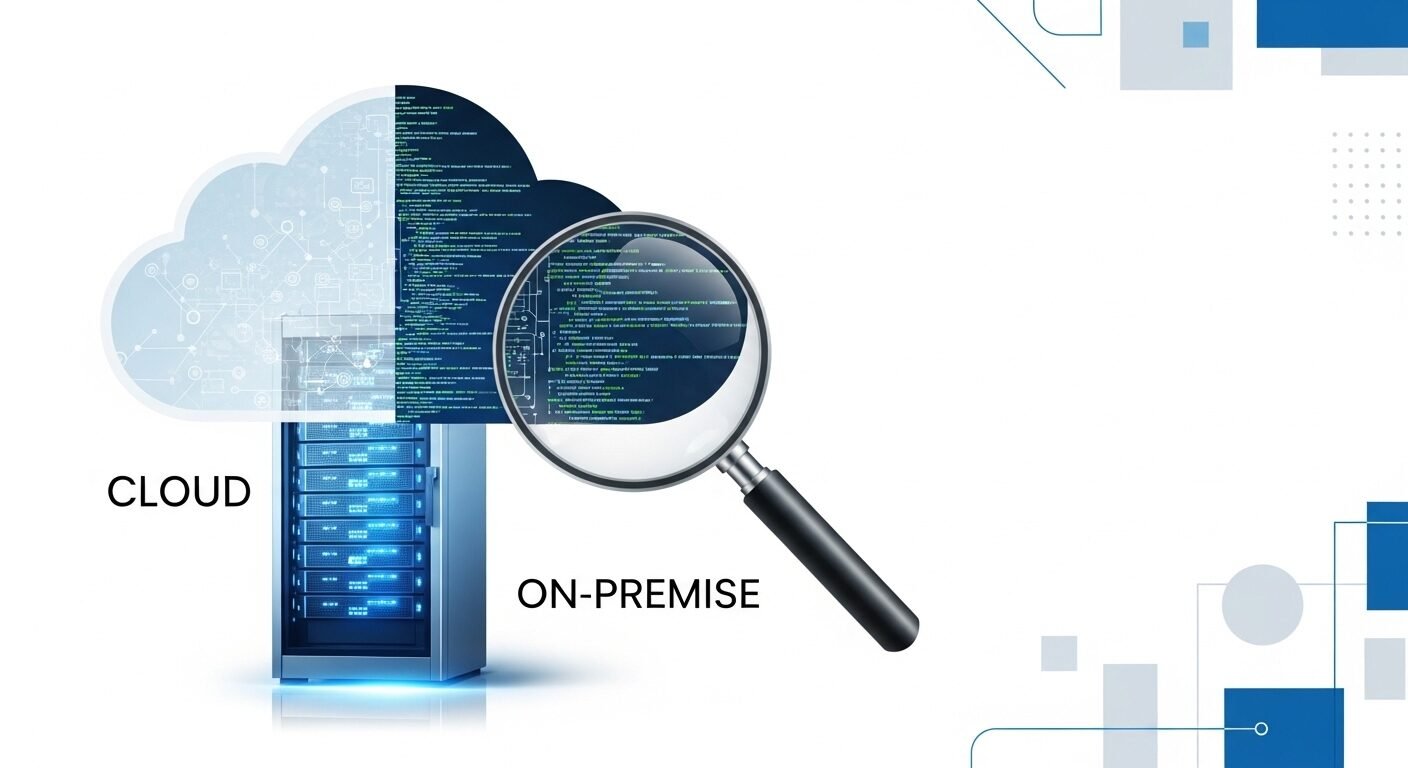
Choosing between cloud-based and on-premise code audit solutions is a critical decision for development teams focused on security and quality. Cloud solutions offer scalability and ease of use, while on-premise systems provide maximum control and data residency. This analysis breaks down the key differences in deployment models, security implications, cost structures, and operational impact to help you select the right approach for your organization’s specific needs and compliance requirements.
Key Takeaways
- Cloud solutions offer faster deployment and lower upfront costs.
- On-premise systems provide greater data control and customization.
- Security models differ significantly between the two approaches.
- Total cost of ownership varies based on team size and audit frequency.
- Scalability needs heavily influence which model is most appropriate.
- Compliance requirements may dictate your deployment choice.
What Are the Core Deployment Models?
Code audit solutions analyze source code for security vulnerabilities, quality issues, and compliance violations. Cloud-based tools are hosted and managed by third-party providers, while on-premise solutions are installed and maintained on an organization’s own infrastructure, offering different trade-offs in control, accessibility, and responsibility.
The fundamental distinction lies in where the software runs and who manages the infrastructure. Cloud-based code audit tools, like those from Snyk or SonarCloud, operate on vendor servers. Your team accesses them via web browsers. This eliminates local installation and maintenance burdens.
On-premise solutions, such as SonarQube or Checkmarx installed locally, require your IT department to provision servers. You handle all updates, backups, and security patches. This model keeps all code and data within your physical or virtual private network boundaries.
According to industry data, the shift toward cloud-based development tools has accelerated. Many teams prefer the operational simplicity. However, organizations in regulated industries often maintain on-premise deployments for specific compliance reasons. The choice fundamentally shapes your workflow and resource allocation.
The deployment model determines where your source code is analyzed and who controls the underlying infrastructure. This has cascading effects on security posture, cost structure, and team accessibility. Understanding this core difference is essential for making an informed decision.
How Do Security Approaches Compare?
Security considerations are paramount when auditing source code. Cloud-based security scanning relies on the vendor’s security protocols and infrastructure. Your code is transmitted to their servers for analysis. This requires trust in their encryption and data handling policies.
On-premise code analysis keeps all data internally. No source code leaves your network perimeter. This can be crucial for organizations handling intellectual property or subject to strict data sovereignty laws. You maintain full control over access logs and audit trails.
Cloud providers invest heavily in security expertise. Platforms like GitHub Advanced Security or GitLab Ultimate offer robust, continuously updated threat detection. They patch vulnerabilities rapidly across all customers. Your internal team might not match this scale of investment.
Conversely, on-premise setups allow for deep customization of security rules. You can integrate with internal authentication systems like Active Directory. You can also air-gap the system entirely for maximum isolation. This level of control is often mandatory in government or financial sectors.
Cloud security is a shared responsibility model, while on-premise security is entirely yours to manage. Experts recommend evaluating both the sensitivity of your code and your internal security capabilities before choosing. A hybrid approach is sometimes used for different projects.
What Are the Cost Implications?
Cost structures differ significantly between cloud and on-premise code audit solutions. Cloud tools typically use subscription pricing based on users, lines of code, or scans per month. This operational expenditure (OpEx) model has low initial costs. You pay as you go.
On-premise software often involves substantial capital expenditure (CapEx). You purchase perpetual licenses or annual subscriptions plus the cost of servers, storage, and networking. You also need IT staff for installation, maintenance, and updates. These hidden costs can be substantial.
Research shows that for small to medium teams, cloud solutions are often more cost-effective. They convert fixed costs into variable ones. You avoid over-provisioning hardware for peak loads. The vendor handles all performance scaling and uptime guarantees.
For large enterprises with consistent, high-volume scanning needs, on-premise can become economical over time. The per-scan cost decreases as volume increases. You also avoid recurring subscription fees that grow with your team. Total cost of ownership calculations should span 3-5 years.
The total cost of ownership depends heavily on your audit frequency, team size, and existing infrastructure. Cloud models offer predictable scaling costs, while on-premise requires upfront investment for future capacity. Consider both direct and indirect expenses like administration time.
How to Calculate Total Cost of Ownership
- List all upfront costs: software licenses, server hardware, installation services.
- Estimate annual recurring costs: subscription fees, maintenance, support contracts.
- Calculate internal resource costs: IT staff time for management and updates.
- Factor in scalability costs: adding users or increasing scan frequency.
- Project costs over a 3-5 year period for accurate comparison.
Which Offers Better Scalability?
Scalability needs heavily influence the choice between deployment models. Cloud-based code audit solutions excel at elastic scaling. Resources automatically adjust to your scanning demands. You can handle sudden project spikes without planning or procurement delays.
On-premise scalability requires proactive capacity planning. You must purchase and configure additional hardware before needing it. This can lead to either over-provisioning (wasted resources) or under-provisioning (performance bottlenecks). The lead time for expansion is longer.
For teams with fluctuating workloads, the cloud’s pay-as-you-grow model is advantageous. You scale usage up or down based on current projects. Vendor platforms like CodeScan or Contrast Security manage all backend scaling transparently. Your team focuses solely on development.
Organizations with stable, predictable audit loads may prefer on-premise control. You know exactly what resources are available. There are no multi-tenant performance concerns from other customers. You can optimize the environment specifically for your codebase and tools.
Cloud solutions provide immediate, demand-driven scalability, while on-premise offers predictable, controlled capacity. The standard approach is to assess your project volatility and growth projections. Rapidly expanding teams often benefit from cloud flexibility.
How to Choose the Right Solution
Selecting the right code audit deployment requires evaluating multiple organizational factors. Start by reviewing your compliance and regulatory requirements. Industries like healthcare (HIPAA) or finance (PCI-DSS) may mandate data locality. This often dictates an on-premise approach.
Assess your internal IT capabilities. Cloud solutions reduce administrative burden significantly. On-premise systems require dedicated staff for maintenance. If your team lacks these resources, a managed cloud service from Code Audit Online or similar providers becomes more attractive.
Consider your development workflow integration. Modern DevOps pipelines often favor cloud-native tools. They integrate seamlessly with platforms like GitHub Actions, GitLab CI, or Jenkins. On-premise tools may require more configuration but offer deeper customization for unique processes.
Evaluate your risk tolerance for vendor dependency. Cloud tools tie you to a provider’s roadmap and pricing changes. On-premise software gives you more control but also more responsibility. A hybrid strategy can mitigate risks by using both models for different use cases.
The right choice balances security requirements, team resources, workflow needs, and long-term strategy. Many organizations conduct pilot projects with both models before committing. This hands-on testing reveals practical differences beyond theoretical comparisons.
| Feature | Cloud-Based | On-Premise |
|---|---|---|
| Deployment Time | Minutes to hours | Days to weeks |
| Upfront Cost | Low (subscription) | High (licenses + hardware) |
| Data Location | Vendor servers | Your infrastructure |
| Scalability | Automatic and elastic | Manual and planned |
| Maintenance | Handled by vendor | Your responsibility |
| Customization | Limited to platform | Extensive and flexible |
| Compliance Support | Standard certifications | Tailored to your needs |
What is the main advantage of cloud-based code audit?
Cloud-based code audit solutions offer rapid deployment and minimal maintenance overhead. Teams can start scanning code within hours without provisioning hardware. The vendor manages all updates, security patches, and scalability concerns. This allows development teams to focus on fixing issues rather than managing tools.
When is on-premise code audit necessary?
On-premise solutions are necessary when regulations require data residency or strict network isolation. Industries like defense, finance, and healthcare often mandate that source code never leaves their controlled environment. Organizations with highly customized workflows or integration needs may also require the flexibility of on-premise deployment.
How do costs compare over three years?
1. Cloud costs remain relatively consistent as operational expenses. 2. On-premise costs are front-loaded with hardware and licenses. For small teams, cloud is typically cheaper over three years. For large enterprises with high scan volumes, on-premise may become more economical after the initial investment is amortized.
Can I switch between deployment models later?
Migration between models is possible but involves significant effort. Moving from on-premise to cloud requires data migration and workflow adjustment. Transitioning from cloud to on-prem